
Color system
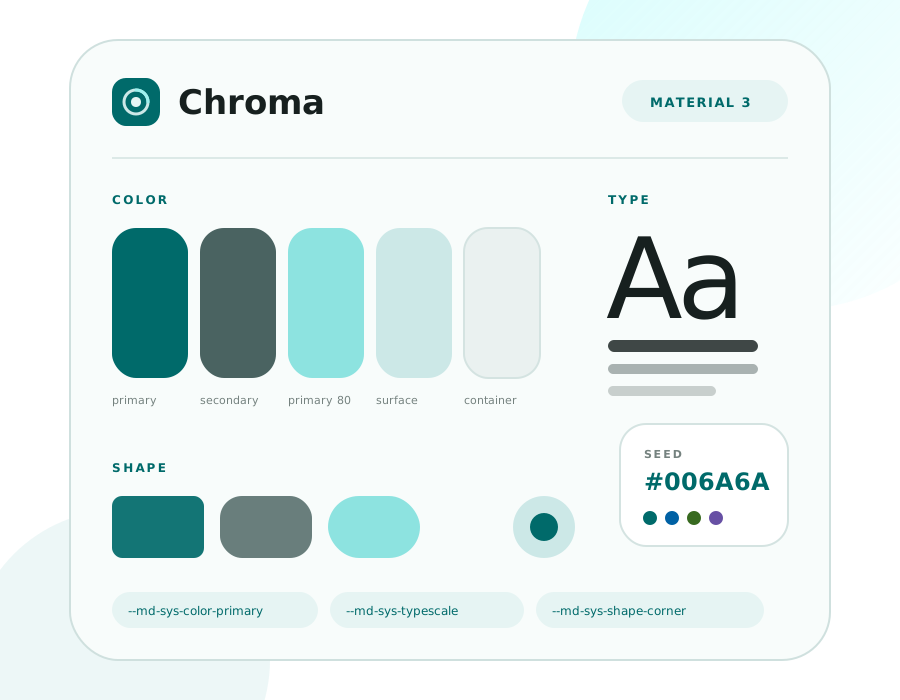
Seed #006A6A by default, with teal, blue, green, violet, rose, amber, indigo and lime presets. Color, type, shape, elevation and motion all resolve to --md-sys-* tokens.
A color-first, reading-first MediaWiki skin. Material 3-style design tokens, app and reading layouts, and a full mobile takeover with MobileFrontend.
Chroma · MediaWiki skin
Chroma brings Material Design 3 token thinking to MediaWiki: semantic colors generated from a seed, one variable set driving content, top bar, TOC, forms and extension UI.
Seed #006A6A by default, with teal, blue, green, violet, rose, amber, indigo and lime presets. Color, type, shape, elevation and motion all resolve to --md-sys-* tokens.
Quiet content, receding tools. Reading layout hides the drawer and TOC; reading mode also removes page actions.
The app layout and reading layout share one template. Switch from Preferences or the top-bar display options.
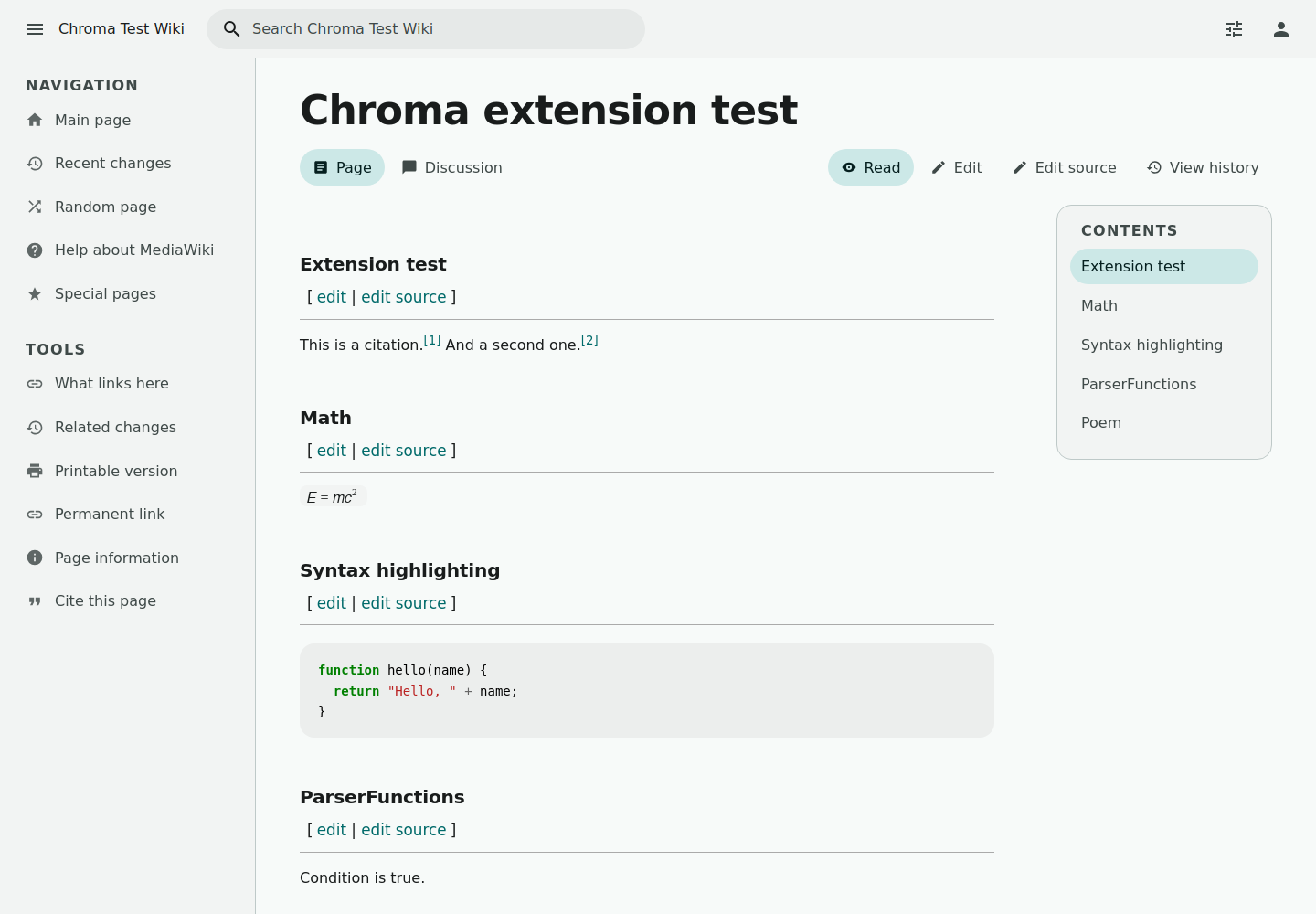
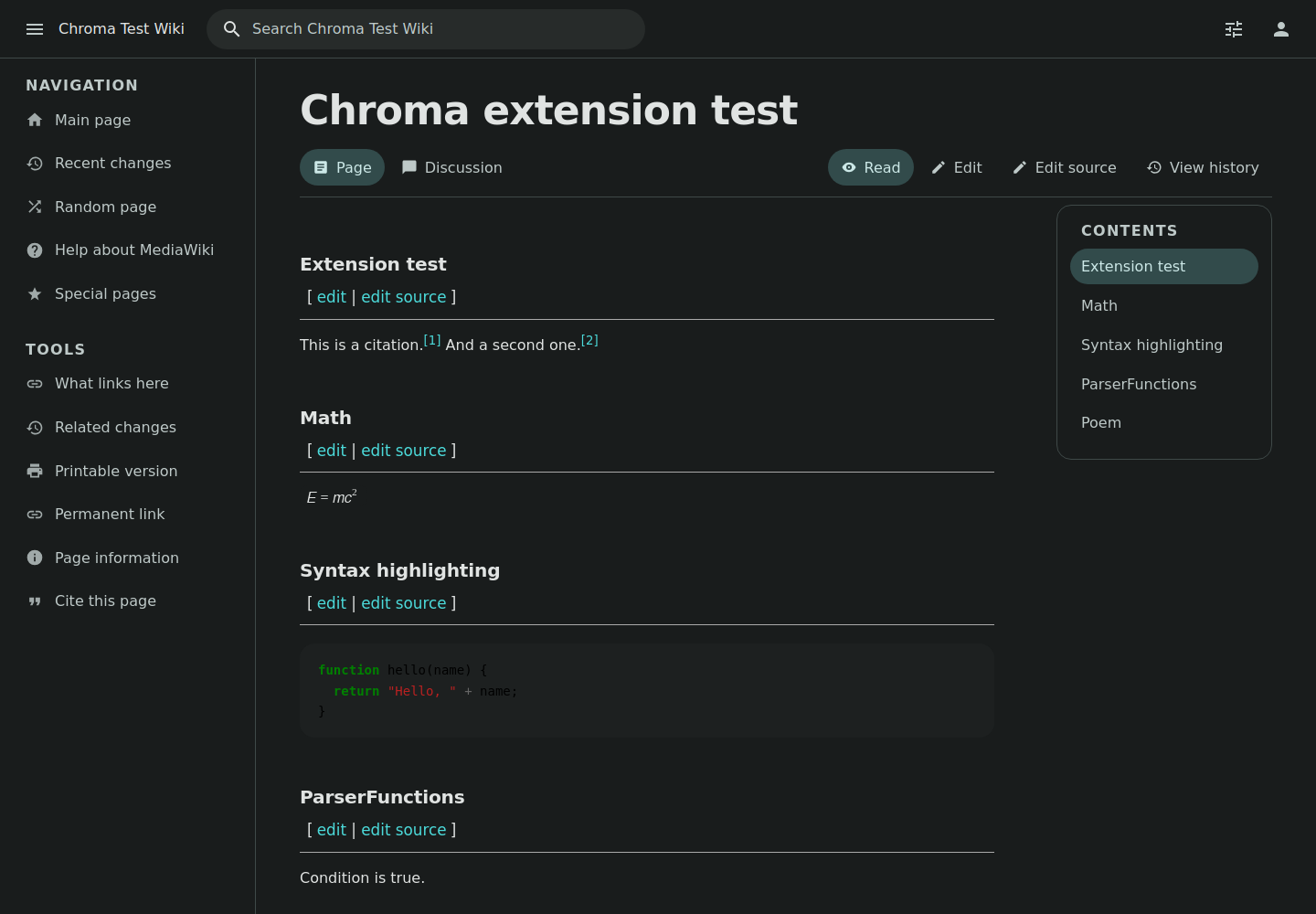
System, light and dark. Dark mode is not an inversion: it remaps the same semantic color roles onto dark surfaces.
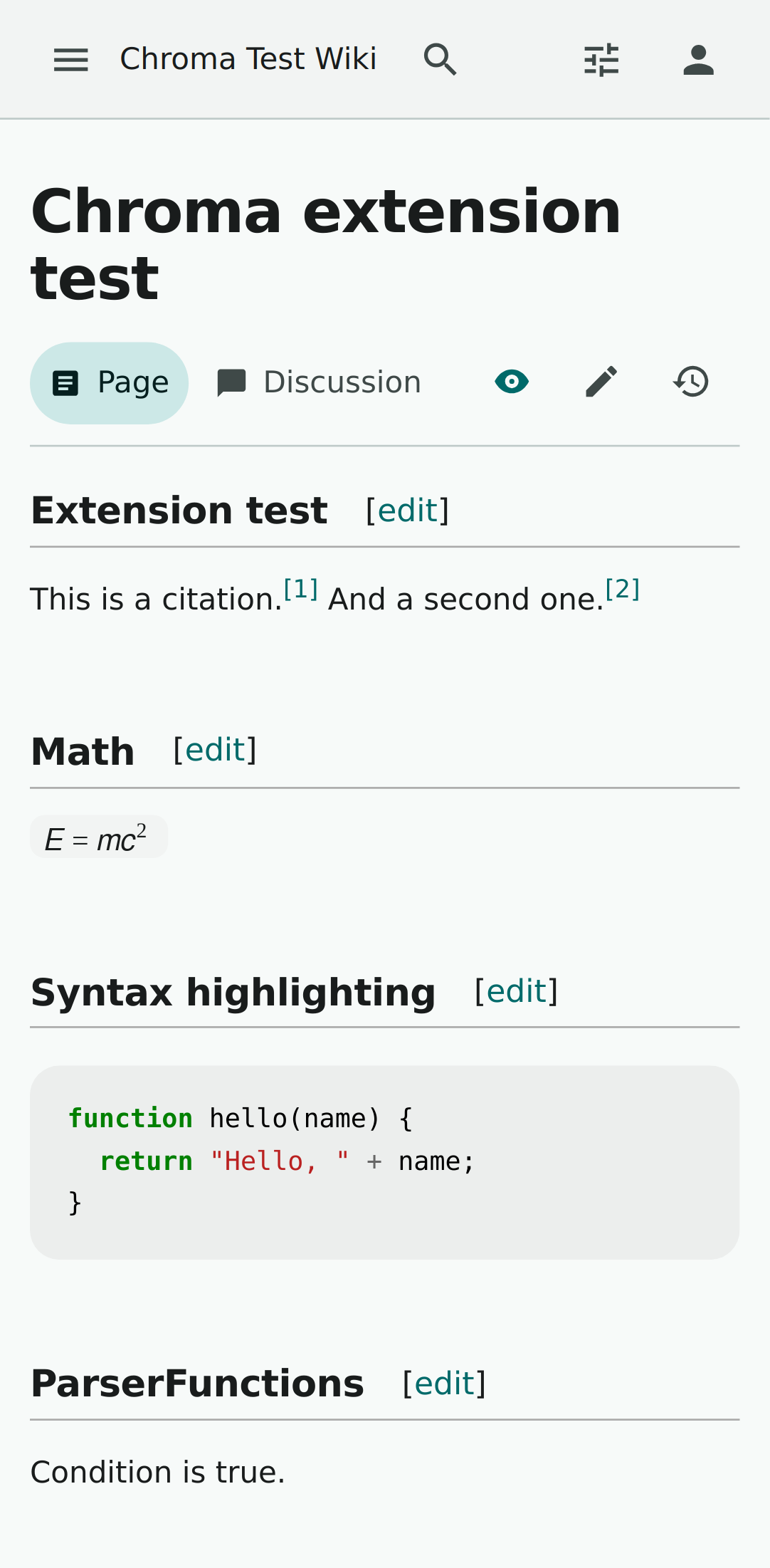
With MobileFrontend, set $wgDefaultMobileSkin = "chroma" so mobile UAs use Chroma directly instead of MinervaNeue.
No replacement page model. Pages, talk, history, editors and extensions remain powered by MediaWiki; the skin owns presentation.
Screenshots
Quick start
Pick the 1.43, 1.45 or 1.46 package from Releases.
Make sure skin.json is at skins/Chroma/skin.json。
Add the two lines, save and refresh.
wfLoadSkin( 'Chroma' );
$wgDefaultSkin = 'chroma';

// Optional: MobileFrontend takeover
$wgDefaultMobileSkin = 'chroma';Versions
Start here
From installation and config to token customization, the docs are all here.